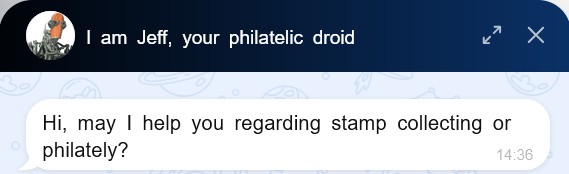
We’re super thrilled to share another big update for the AI Chatbot widget — packed with cool features we know you’ve been eagerly waiting for 
What’s inside the update?
Start New Chat
Previously, the “Start New Conversation” button only showed up after 10 minutes of inactivity.
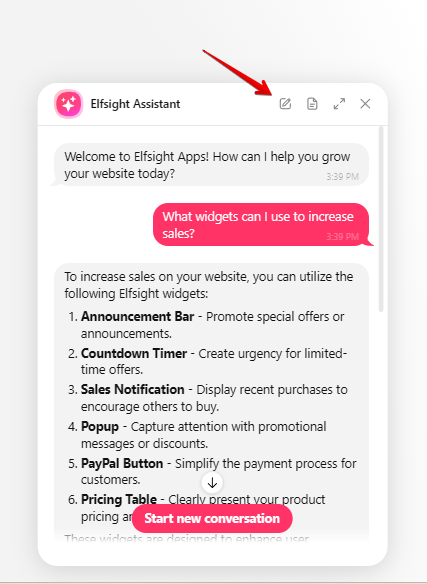
Now, you can end the current chat and kick off a new one anytime using the button right in the chat header. Super handy!
Save Transcript
We’ve added a “Save Transcript” button, so you can download your chat history in .txt format. Perfect for keeping track of important conversations!

Expand Chat Window
Now you can easily expand the chat window to full height with a simple button, giving you more room to chat without the clutter:


Enhanced design of the chat window
We’ve given the chat window a fresh look!
-
The input field and footer have been redesigned for a cleaner feel
-
The assistant’s message containers are now wider, giving you more space for content, plus we’ve added code formatting to make things look neat
-
And now, when you expand the chat window, it covers the floating bubble, so the interface looks cleaner and more polished


This video shows the new features in action:
Guys, have you had a chance to try the new options? Drop your thoughts in the comments —we’d love to hear what you think!