Hey everyone!
We’re happy to share that now you can set a custom theme image right in the settings.
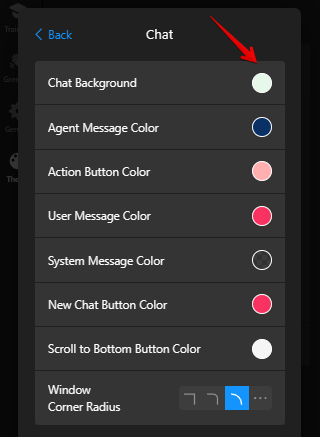
To do this, click on the Customize Theme button on the Theme tab, open the Chat section:


Then click on the Chat Background and select Image:

Check this post to find other new customization settings -AI Chatbot: Change color of each widget element, font, size settings and more! 