How do you change the color of the padding surrounding the list-view content area? I have targeted what seems like every element on the page, but the padding surrounding the WidgetBackground__Wrapper-sc-1ho7q3r-1 element will not change color.
Hi there, @Accounts_Get_Lit 
If you want to apply the same background color to all elements, you don’t need a CSS code for this.
You can change it in the Background section on the Style tab of your widget’s settings:

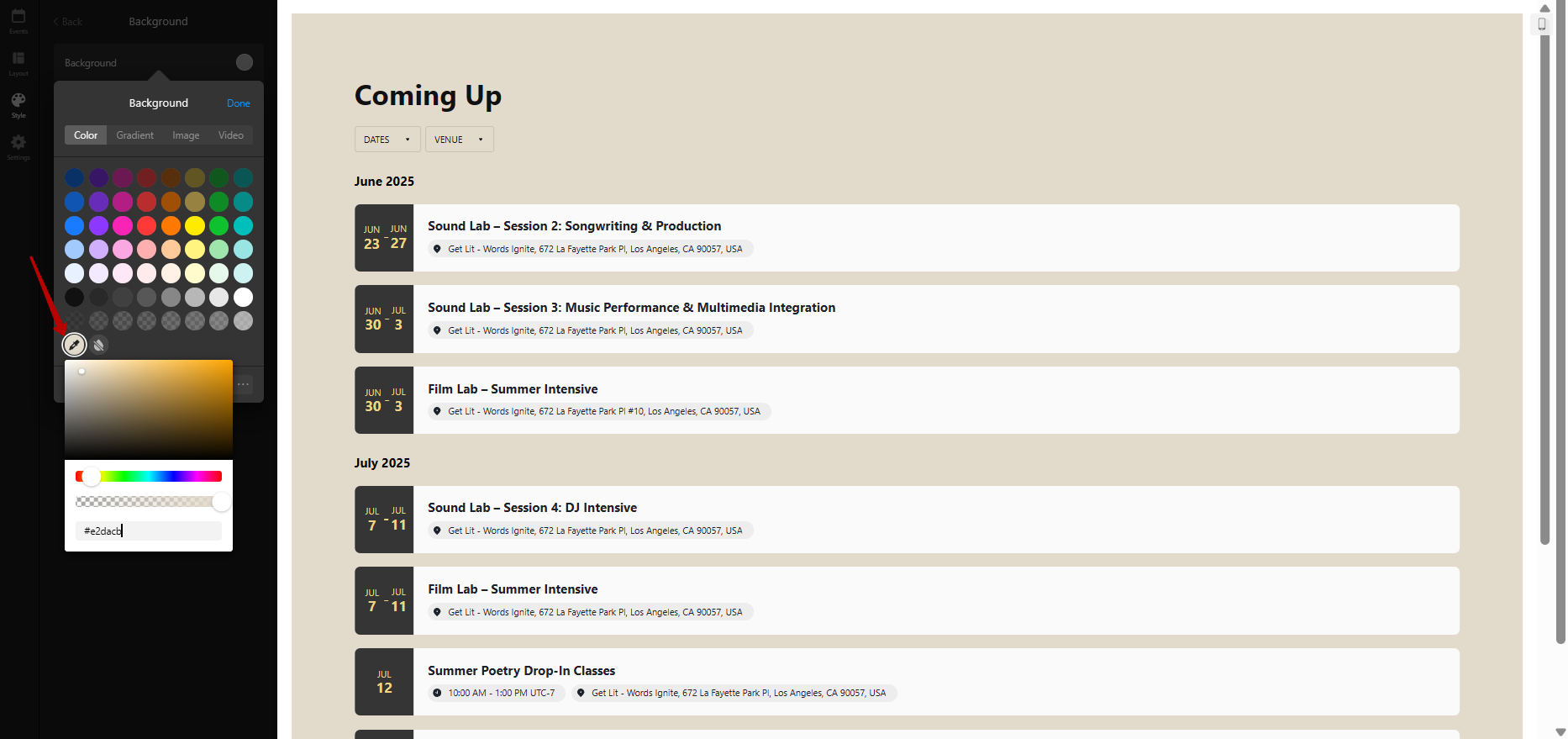
Please check it out and let me know if it worked for you 
P.S. I’d also like to let you know that the part after sc in the class names isn’t required in the CSS codes:

Fantastic, thanks Max. This issue is resolved. Thanks for getting back so quickly.
You’re always welcome!
In the meantime, we’d like to invite you to participate in our Birthday Contest, where you can win a 12-month extension for your subscription - Birthday Contest: 10 Winners, 10 Free Years with Elfsight! 
Check the details and join in 