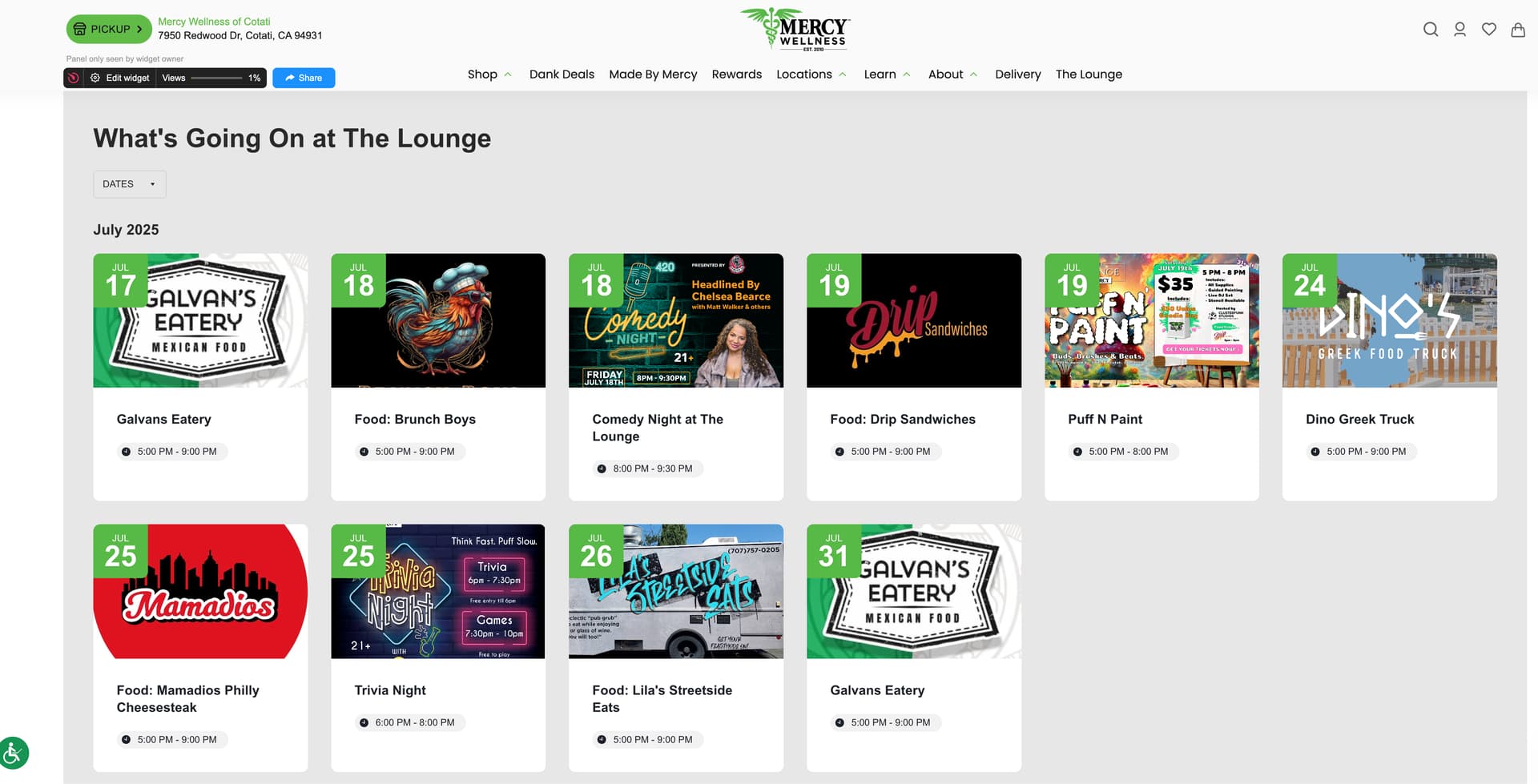
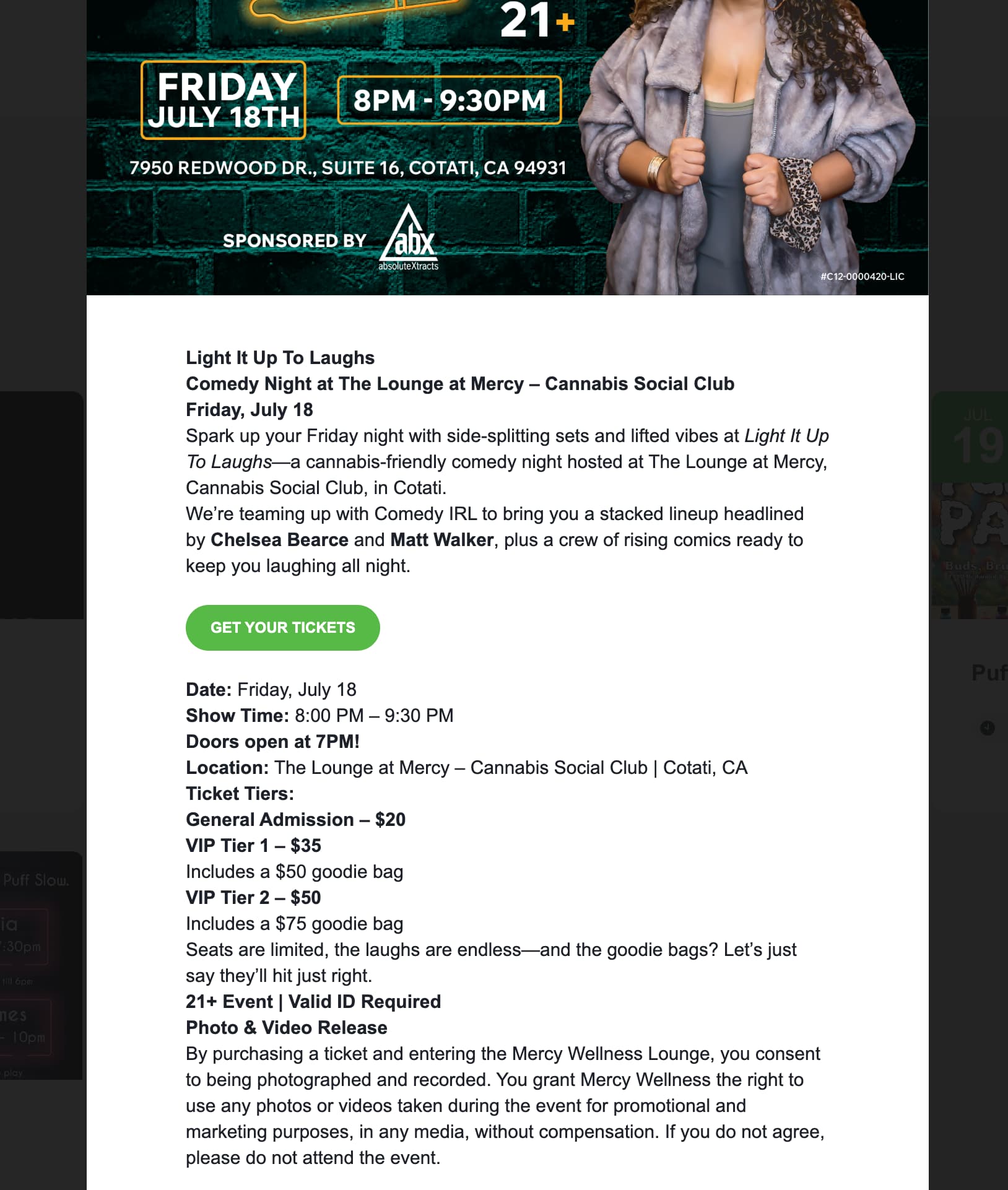
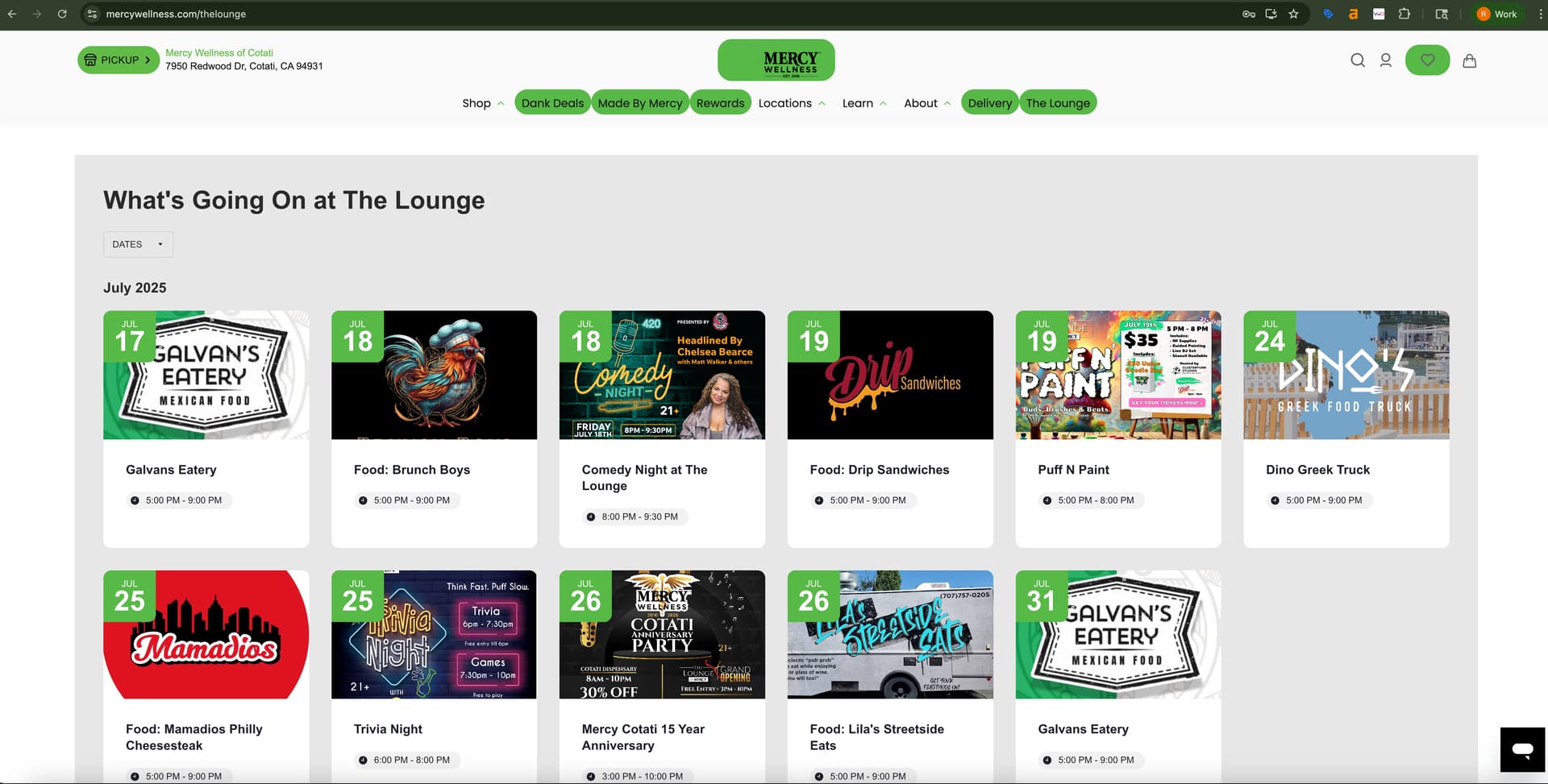
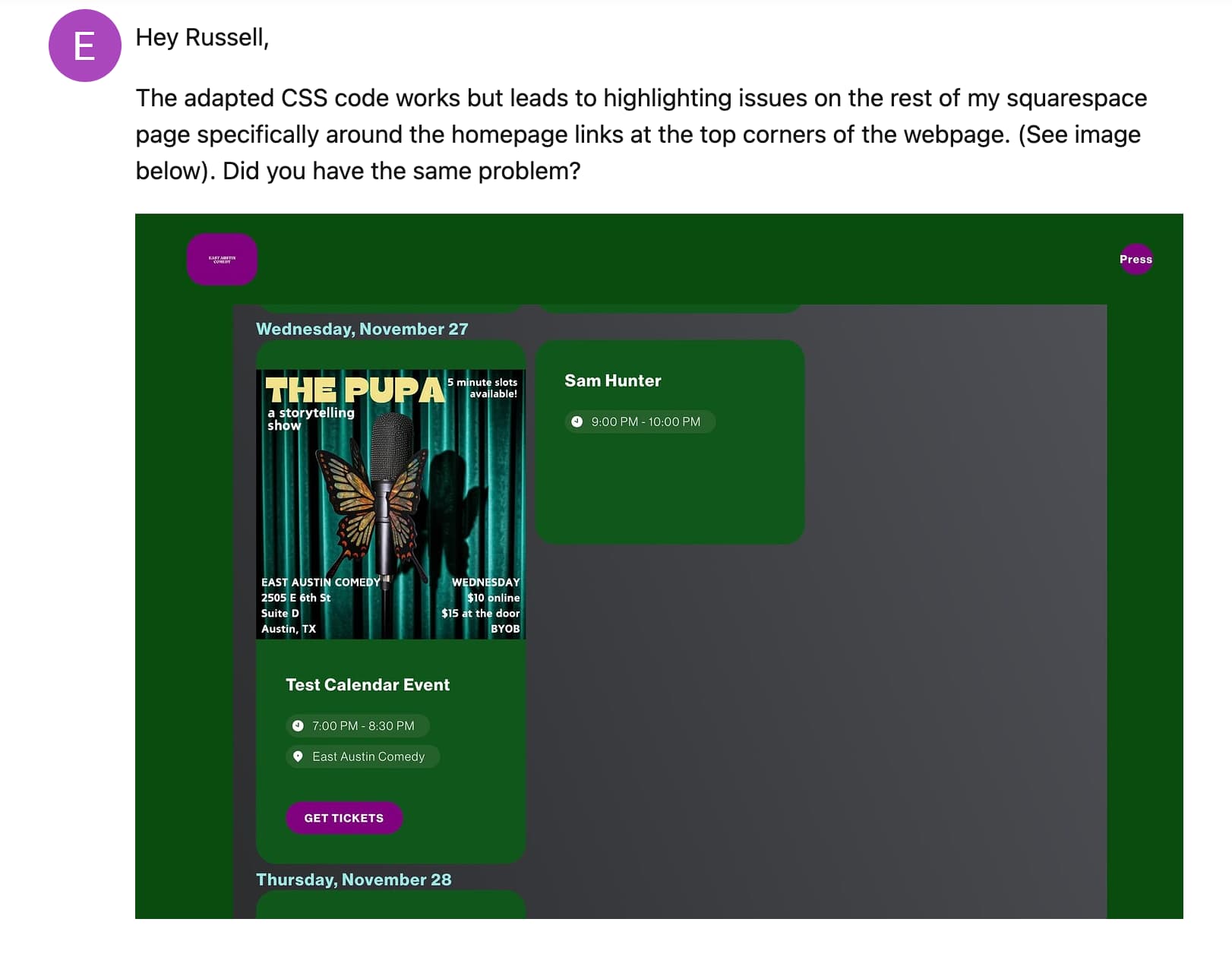
A button appears in the event pop up window once clicked on the calendar but I’m not getting the button visible on the event card in the calendar view. I’ve attached the photos of what I’m seeing. How can I make the CTA’s appear on the event card in the calendar view and not have to be clicked into?
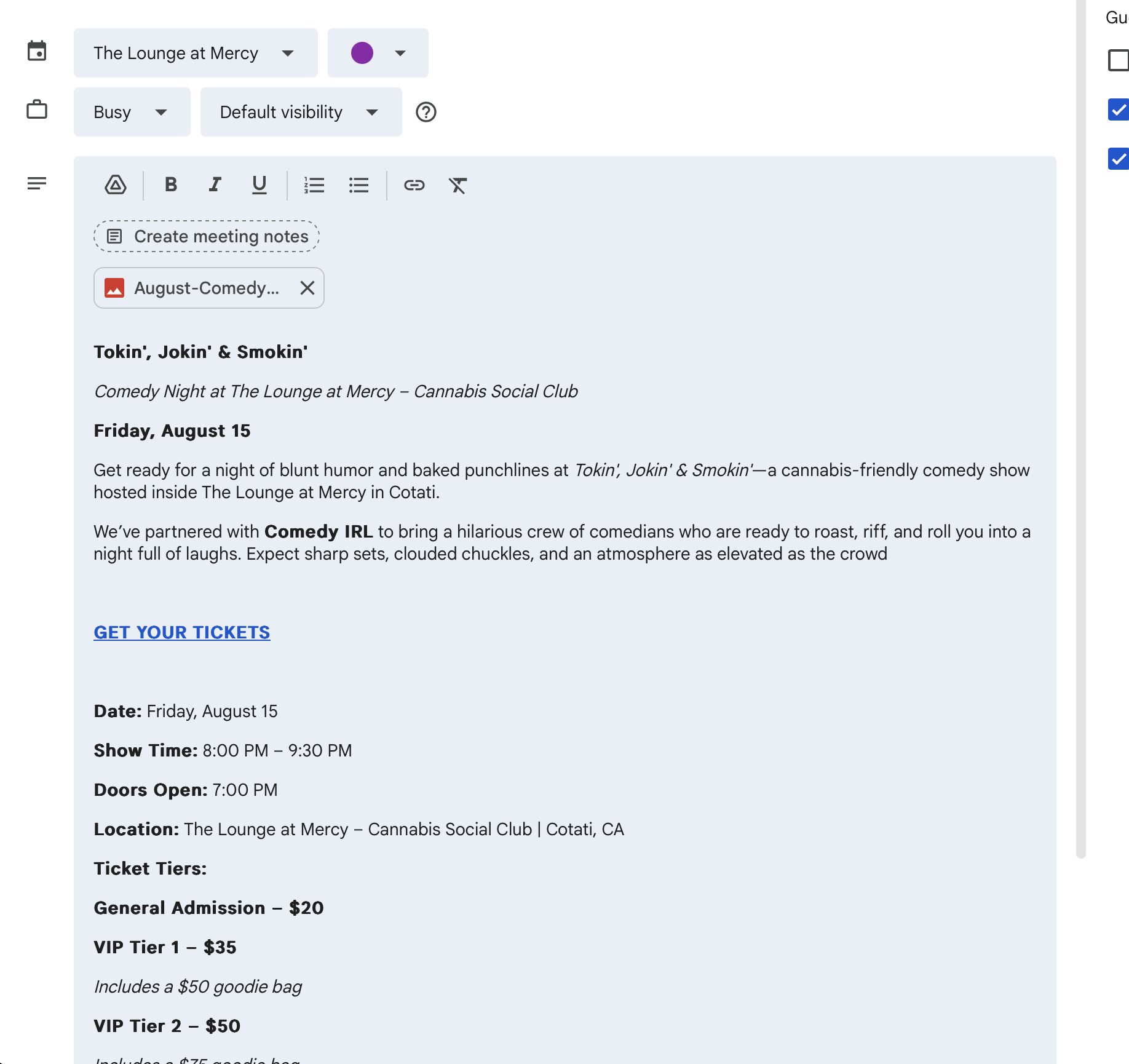
It seems you haven’t added the linked text to the event description in your Google Calendar. It’s necessary for the button to appear in the event card:
Also, I’ve noticed that the code you’ve added applied the button styles to all buttons in the widget. To make it work fine, please use this code instead:
How did this person even see this in Elfsight or was this from their website calendar? This what we want though. A clickable button from the card view without having to click into the event so a person can just click the CTA to get to the link to buy their tickets.
Thank you for your help Max. Those long descriptions won’t work as there are events that don’t have any descriptions in them and it stretches to that long white container. Maybe it’s the picture file that cause that. There aren’t any other Calendar templates Elfsight has that would accommodate a button? Or is there any CSS we can add to this to make it so the card doesn’t stretch to be so tall?
Do I take this code below and input into Elfsight or Google Calendar? Are you saying that I’d have to manually make each event in Elfsight and not have it linked to our Google Calendar?
.eapp-events-calendar-grid-item-description p:has(a) ~ p {
  display: none;
}
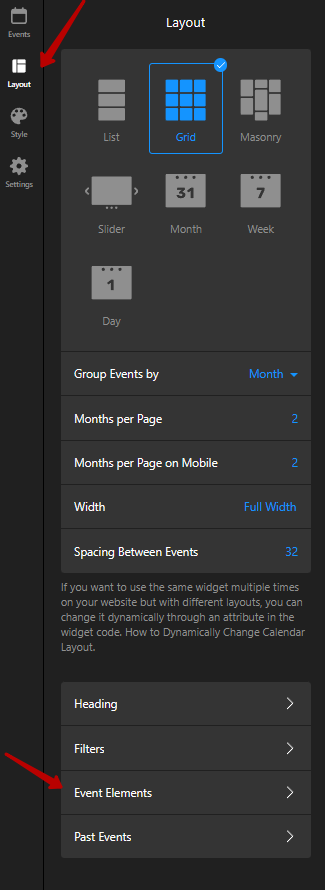
If you want to display the button without the description on the event cards, the only way is to manually add events to the widget. This approach allows you to control whether to show the Description and Button elements separately.
However, if adding the button directly into the Google Calendar event descriptions and using the CSS code I provided works well for you, you’re welcome to continue importing events from Google Calendar