To change Event Page to this layout.

#1. First, edit Page > Enable these option

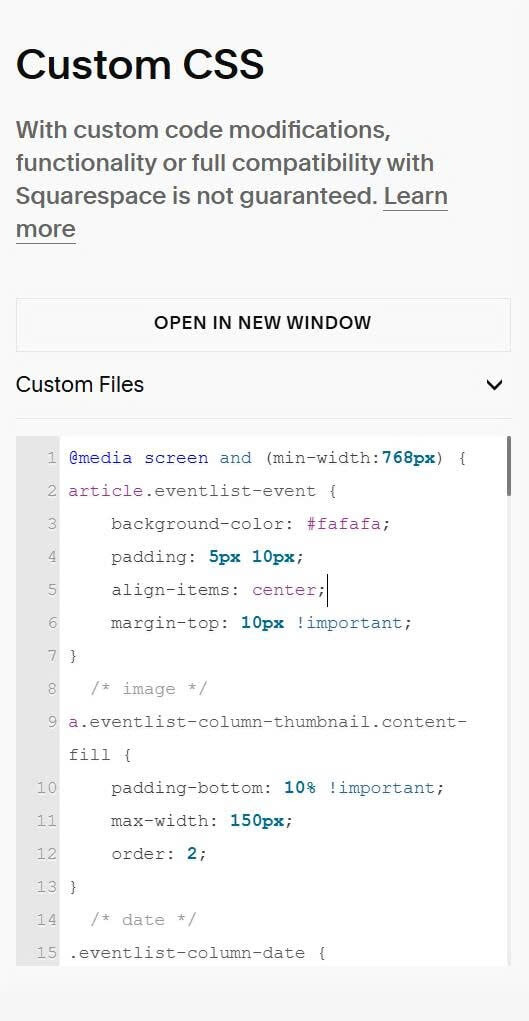
#2. Next, use this code to Custom CSS.
You can also use this Event Calendar (free) so you can do this layout easier without using complex code.
@media screen and (min-width:768px) {
article.eventlist-event {
    background-color: #fafafa;
    padding: 5px 10px;
    align-items: center;
    margin-top: 10px !important;
}
  /* image */
a.eventlist-column-thumbnail.content-fill {
    padding-bottom: 10% !important;
    max-width: 150px;
    order: 2;
}
  /* date */
.eventlist-column-date {
    order: 1;
    position: static !important;
    width: 100px !important;
}
  .eventlist-datetag {
    position: static !important;
}
/* excerpt description */
.eventlist-column-info {
    order: 3;
}
.eventlist-description, .eventlist-excerpt {
    display: none;
}
  /* button */
a.eventlist-button {
    position: absolute;
    right: 0;
    top: 50%;
    transform: translatey(-50%);
    padding: 10px 20px !important;
    border-radius: 10px !important;
  }}