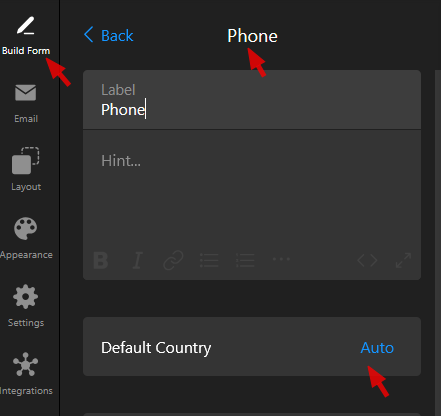
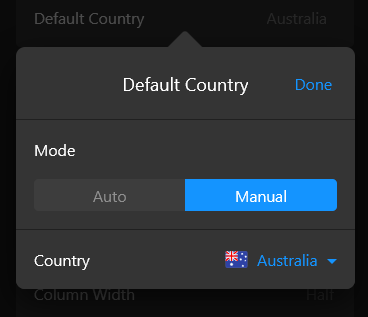
Love the addition of the country selection @Max. Is there / could we have a way to choose the default country that’s displayed to the user when they arrive at the form?
Greetings and welcome aboard, @Will2 
Thanks a bunch for the feedback!
The option to set a default country for the Phone field is already available, it actually reflects the widget’s language.
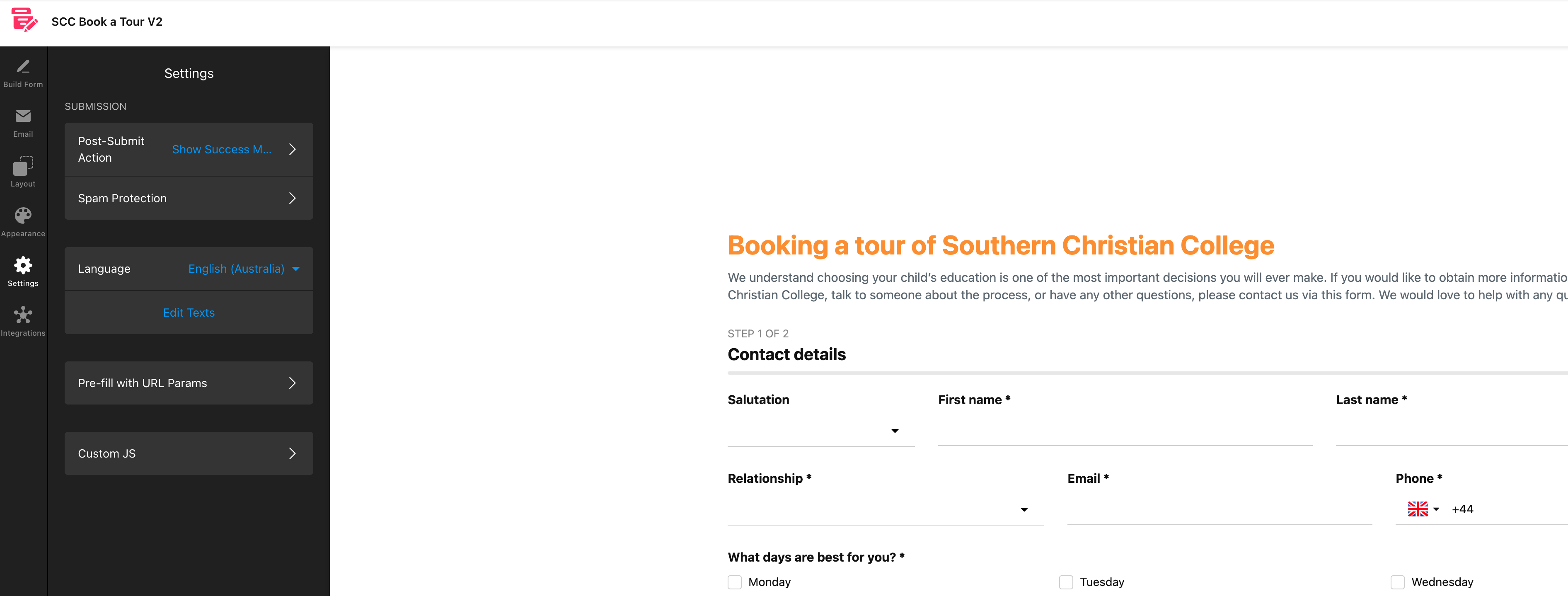
To set the default country, go to the Settings tab → Language → and choose the corresponding language. That will set the default country for the Phone field.
For example, if you’d like to show the UK as a default country, please choose English (United Kingdom) language in the widget’s settings 

Brilliant, thank you for the quick response!
It’s my pleasure!
Don’t hesitate to contact us if you have any questions. We’re always here to help 
Hi @user2637
The option to set a default country for the Phone field. You can also set it to manual here.