Make the image smaller in the pop-up when clicking on the session
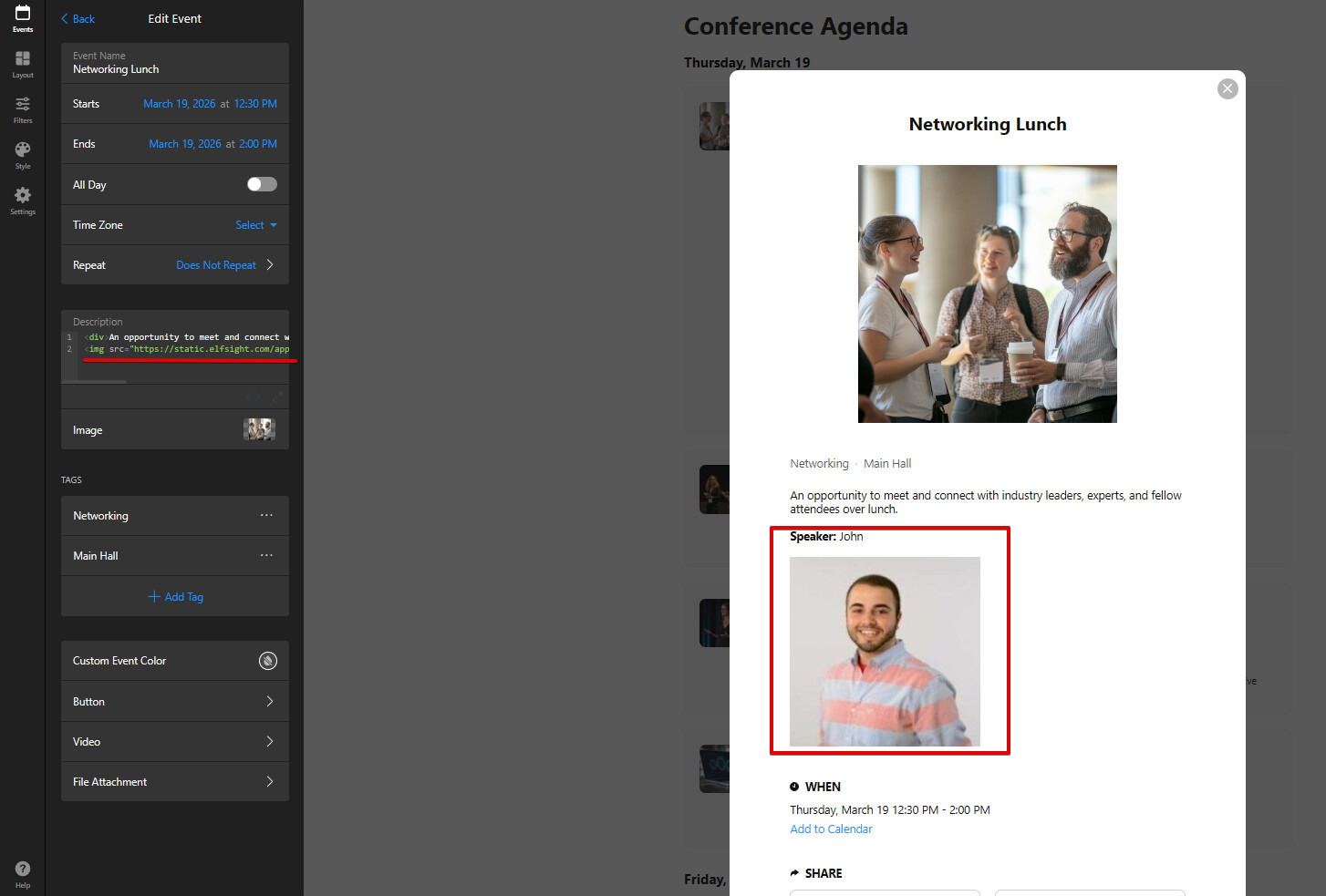
To customize the info in the pop-up to add a speaker headshot and bio
This would really help us liven up our our current “static” agenda.
If there is another widget/solution for this I am open to ideas. I love the layout of the Conference Agenda and the pop-up capability but would also like to include a speaker headshot and bio
Ideally something like this but capability to add their bio also
As for the speaker bio and photo, the only option is to use a Description field for this. To add an image to description, open the Code Editor mode and paste the following code there:
Do not forget to replace Image_URL with the URL to your image (it should be publicly hosted).
Keep in mind that if you display the description in the event card, the info about about speaker will appear there too and there’s no way to show it in the popup only.
Please test the suggested solutions and let me know if they worked for you