hi
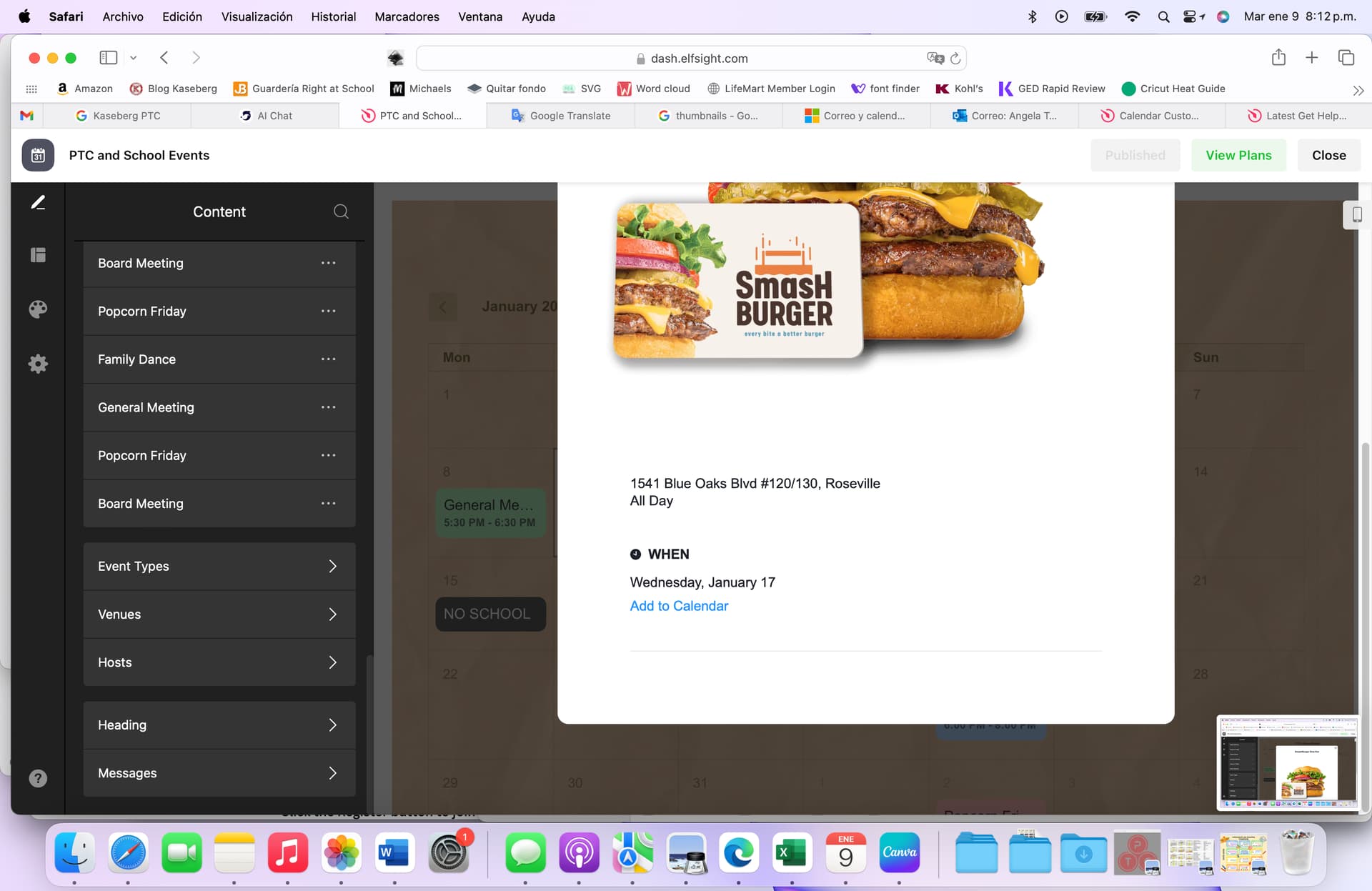
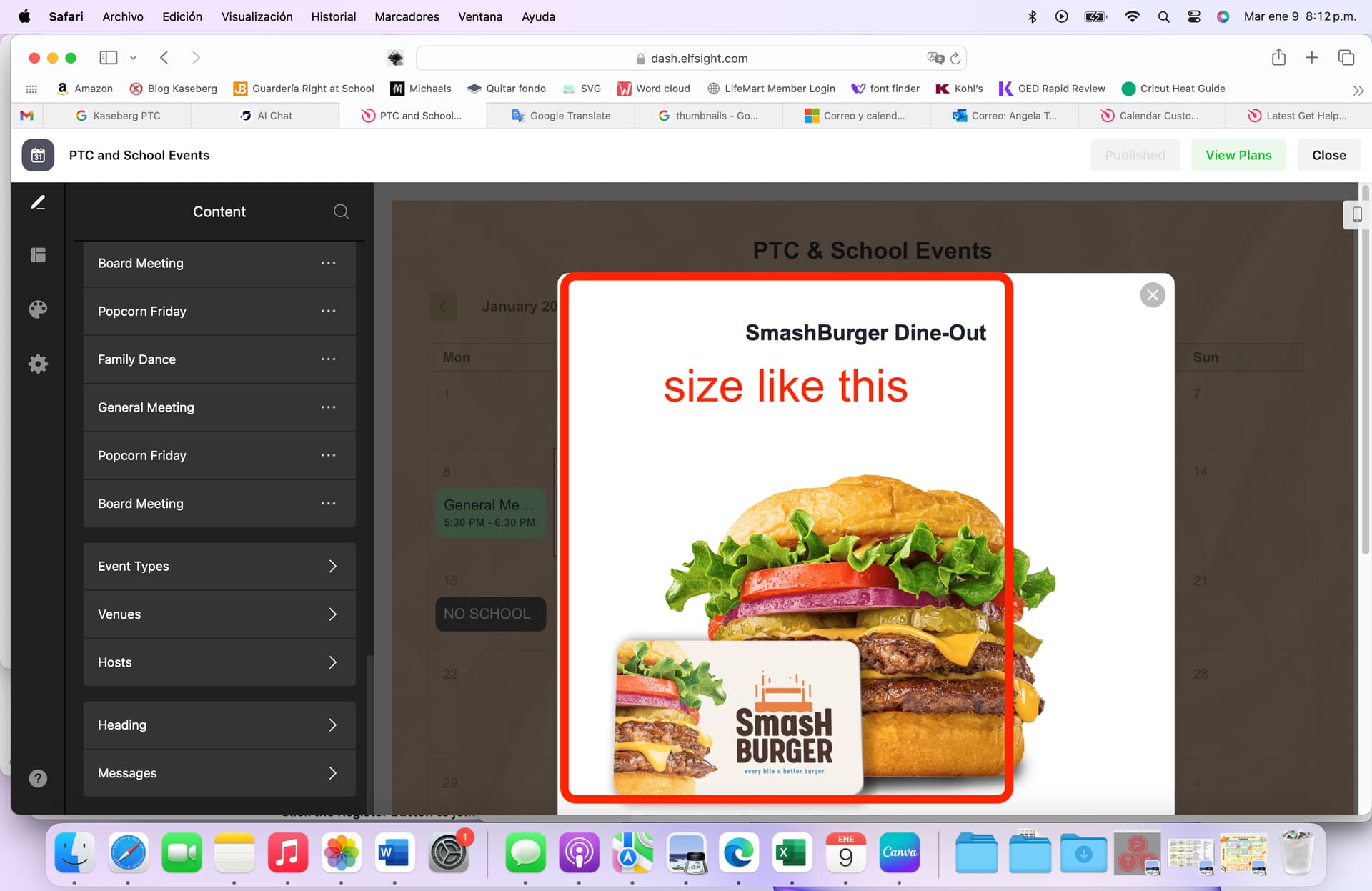
How I can make the pop ups from the calendar monthly template smaller? They are too big for what I need
hi
How I can make the pop ups from the calendar monthly template smaller? They are too big for what I need
Hey there @KasebergPTC_Secretar 
I checked the code by tuanphan, but, unfortunately it didn’t work. Our devs have added this code to the Custom CSS field on the Appearance tab of your widget’s settings:
.global-styles,
.eapp-events-calendar-event-viewer-modalContent {
  flex-basis: 540px;
}
Check it out and let me know if you like what you see 
I tried this but it doesn’t seem to work for images that are populated through the google calendar connection. Is there a fix to that?
Hi there, @Michael_Montoya 
Please try to use this CSS code instead and let me know if it helped:
.global-styles,
.eapp-events-calendar-modal-modal {
  width: auto !important;
}

.global-styles,
.eapp-events-calendar-popup-item-inner {
  max-width: 500px;
}
I’ve also noticed that you’re using the codes for the Portfolio widget in your Event Calendar. Please remove them to make the other codes work fine