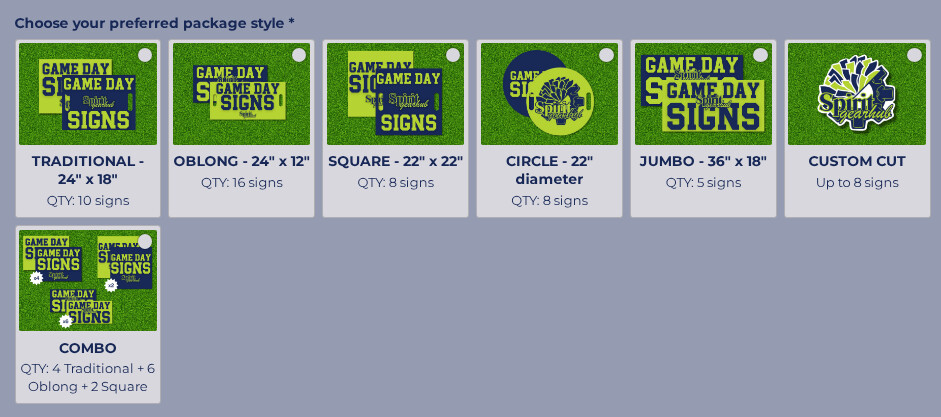
Is there a way to make it so on desktop there are 4 images per row?
Hi there, @Taybraham 
Sure, here is the code:
@media (min-width: 500px) {
[class*="ImageChoice__OptionsContainer-sc"] {
  display: grid;
  gap: 10px;
  grid-template-columns: repeat(auto-fit, minmax(120px, max-content));
  max-width: calc(5 * 120px + 3 * 10px);
}
}
Please add it to the Custom CSS field on the Appearance tab of your widget’s settings and let me know how it worked 
Thank you! Is there any way to make the individual image “cards” larger? I messed around with the px but can’t seem to get them the size I have in mind.
Here is what I currently have:
@media (min-width: 500px) {
[class*=“ImageChoice__OptionsContainer-sc”] {
display: grid;
gap: 20px;
grid-template-columns: repeat(auto-fit, minmax(150px, max-content));
max-width: calc(5 * 150px + 3 * 20px);
}
}
Ideally they would be a bit wider so that the text comfortably fits in one line if that makes sense!

Could you please specify the card you’d like to customize and the width you’d like to use?