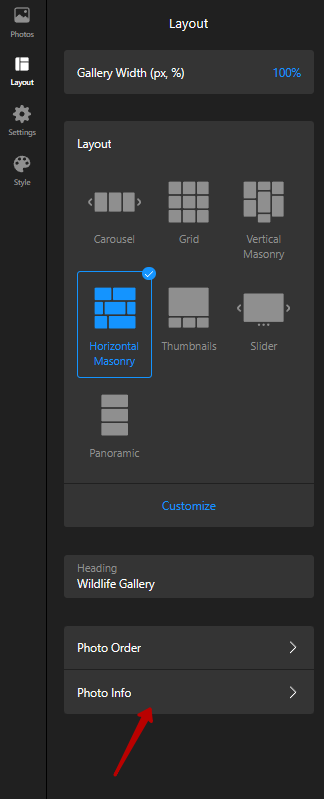
It looks like we can only change the font and font size for the gallery title. It would be nice if the font (both font and font size) for the image captions too. In using this widget, I have to turn the captions off because they show up too large and overwhelm the look of the gallery.
Glad to say that this idea is already on the Wishlist, and I’ve merged your comment with it. If more users support this request, we’ll try to consider this request as an option in the settings.
As for now, you can use the CSS code from the message above in the Custom CSS field on the Style tab of your widget’s settings
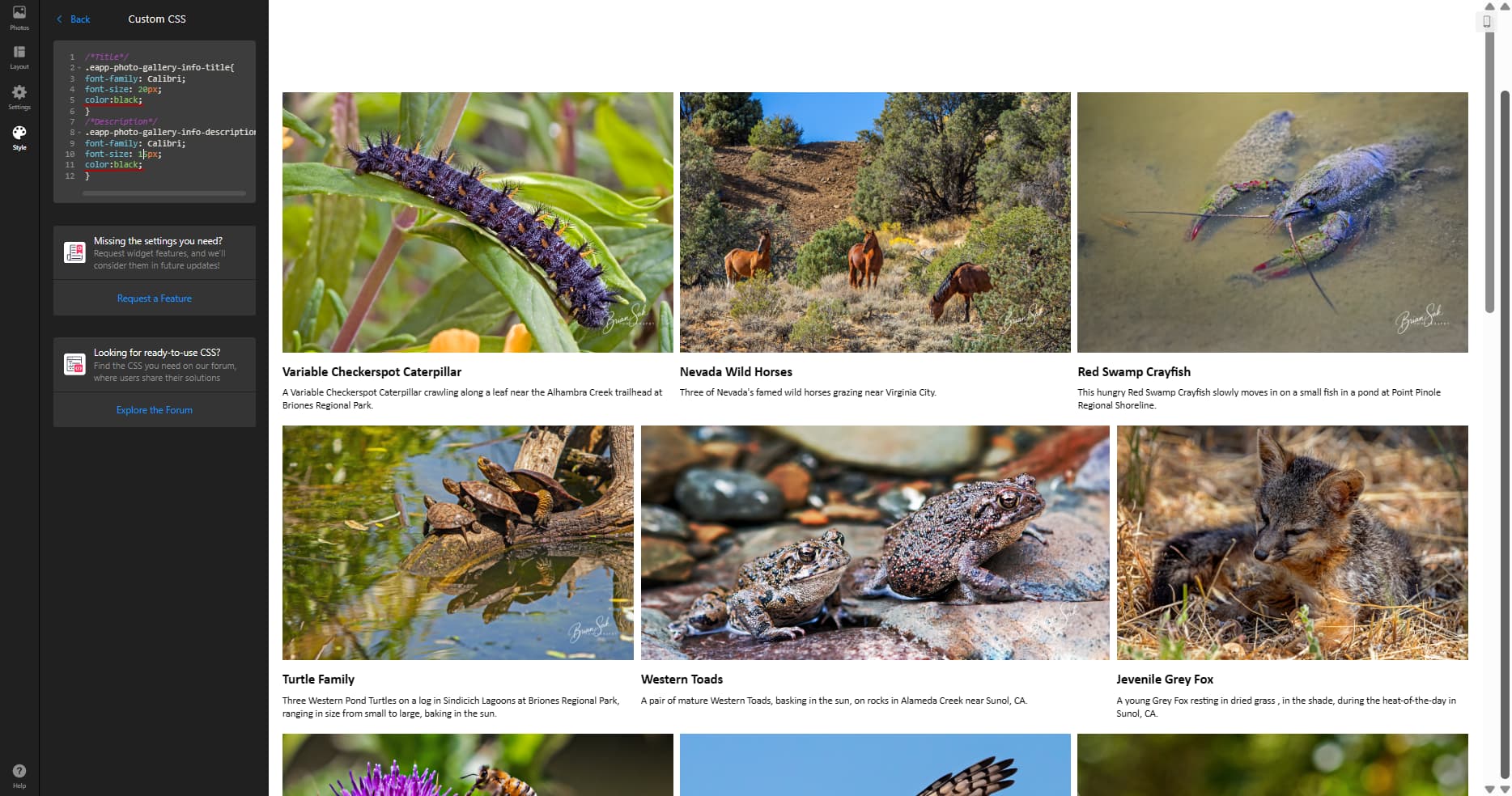
I cut and pasted the CSS code in, and changed the font and font size to what I wanted, but it didn’t seem to work. I would also need to change the color of the font. I’m using a transparent background and the color of my web page is near black. Thanks.
From “Max via Elfsight Community” <notifications@elfsight.discoursemail.com>
To bsak@briansak.com
Date 7/23/2025 9:55:54 AM
Subject [Elfsight Community] [Wishlist/Photo Gallery] Change font and font size for titles and description of images
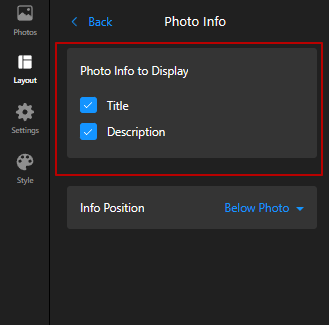
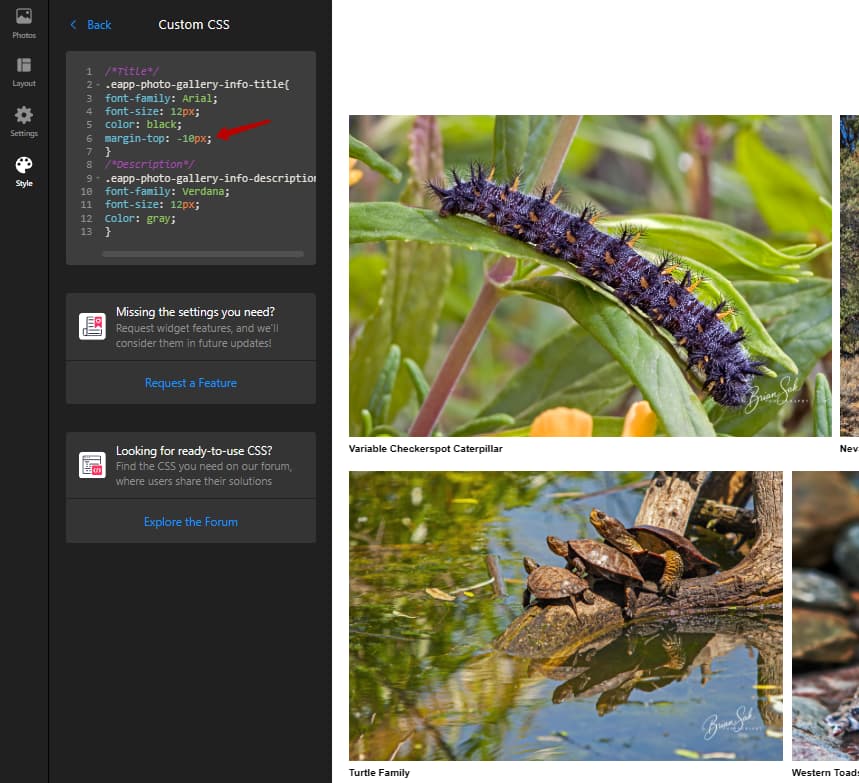
Ugh! I can’t believe I forgot to go back and check the box to display the title. It works fine now. I did play with the CSS a bit to try to get the title closer to the photo, but couldn’t get it to work. But that’s not a big deal. If it was an easy fix I would use it, but I’m good this way too. Anyways, thanks for your help and very quick reply.
Perfect! Thanks. And again, I’m impressed by the quick responses and customer service from Elfsight. You don’t see that too often these days.
From “Max via Elfsight Community” <notifications@elfsight.discoursemail.com>
To bsak@briansak.com
Date 7/24/2025 4:08:59 AM
Subject [Elfsight Community] [Wishlist/Photo Gallery] Change font and font size for titles and description of images