It’s my pleasure 
Hi Max,
When I emailed you, there were 3,954 views, but now it has 4,026.
I don’t know if what you recommended resolved the issue.
I think it’s best if I upgrade my plan soon while we try to find a solution to the reason for generating so many views.
Do you agree?
I am really sorry about this inconvenience!
Could you please specify whether the info panel appeared above the widget once you’ve logged in to Elfsight account? Also, please try to disable Adblockers and other extensions and let me know if it worked?
As a temporary workaround, you can increase the widget update period from 5 minutes to, for example, 50 minutes.
Well, when I log in to Elfsight, everything loads normally.

I didn't see the ad blockers.

But I changed the refresh rate to 30 minutes.

There are still a thousand views left. I'll keep an eye on it. If it drops to 500 quickly, I'll upgrade my plan.

Once again, thank you very much for your attention. I wish you a great weekend.
Got it, thanks!
And if you could specify whether the panel appeared above the widget once you’ve logged (or just share a screenshot of how the widget looks in OBS), we’d be happy to check why views are still counted 

Thanks! We’ve double-checked things with the dev team and found way to prevent your own views from counting.
For this, you should follow these steps:
-
Open the OBS browser and add this link to the URL field: https://dash.elfsight.com/apps/weather
-
Right-click the OBS browser, choose “Interact” and log in to your Elfsight account using the Email option
-
Go back to the OBS settings and replace https://dash.elfsight.com/apps/weather with your widget’s Share link
Here is a video screencast featuring all the steps:

Check it out and let me know if it helped
Good afternoon, Max
I received your instructions and am trying to follow them.
One question: I’ve always signed in to Elfsight using my Google email account using “Continue with Google.” Is it necessary to create a “with email” login?
I’m having trouble. Could that be the problem? Forgive me if this is a silly question.
When you choose the “Continue with Google” option, the popup with the Google account selection appears after that.
The thing is that popups aren’t supported in the OBS browser, this is why the only possible login method there is “Continue with Email”.
Please let me know if this helped or if you have any questions left
The problem is that I’ve always logged into Elfsight through Google.
If I create a new account using “with email,” I’ll lose my widget, which is associated with valdimirtavora@gmail.com.
Anyway, I needed to upgrade my plan for more views. If it’s impossible to change the login, please update JSS to 20 minutes, as I made the change but it won’t respond.
I’ve tested the script (currently it’s set to 30 minutes updates, and it’s working fine. If the issue still persists, please specify what exactly goes wrong.
As for the login with email, please open this link and add email connected to your Elfsight account. Once this done, you’ll receive an email for the password reset.
Please set a password and try to log in using your email and this password. Worry not, your account under valdimirtavora@gmail.com with the widget will be kept, and you’ll still be able to log in using the Google Account if needed.
Please try it out and let me know if it worked
Good morning, Max Unfortunately, I can’t complete all the steps simply because, for some reason, OBS doesn’t interact with the browser.
I even switched from Firefox to Chrome, but it didn’t work. OBS is updated to the latest version… Anyway, I can only thank you for all your effort and willingness to assist me whenever I needed your help.
One question: would it be possible, regarding costs and development, to include the temperature decimals in the widget, as attached.
I can only thank you and apologize for taking up so much of your time.

Hi there, @Valdimir_Tavora 
The thing is that our widget pulls the temperature info from https://openweathermap.org/. Since the Open Weather Map doesnt provide temperature decimals, there is no way to add them to the widget now.
However, I agree that it would be great to have decimals displayed in the widget too and I’ve added this idea to the Wishlist on your behalf - Display temperature decimals
If this idea gets more votes, it might be considered in the future
Hi @Valdimir_Tavora  ,
,
i am a member of the dev team Max mentioned earlier.
Could you please clarify what exactly you mean by “OBS doesn’t interact with the browser”?
You also mentioned that you “even switched from Firefox to Chrome, but it didn’t work,” which made me think that you might have slightly misunderstood the idea behind the fix we suggested. Let me explain it in more detail.
The key point of all these steps is to log in to your account inside the built-in OBS browser, because for the widget to recognize that the views come from its owner, it needs to have your login session stored in that internal browser, not in an external one like Chrome or Firefox.
I also rewatched the screencast we recorded for you and realized that I went through the steps rather quickly, which probably made it hard to follow what I was doing. I apologize for that and have attached a new screencast where I go through everything more slowly, so it’s clearer what I wanted to demonstrate.
Here’s what I’m doing step by step:
-
First, I create a Browser Source in OBS and move it aside so it doesn’t block the view in the screencast (you already have this source, so you can skip this part).
-
Then, I switch to Chrome to copy the link to our dashboard.
-
I go back to OBS, open the Browser Source settings, and paste the dashboard link as the URL - this opens the login page inside the OBS browser.
-
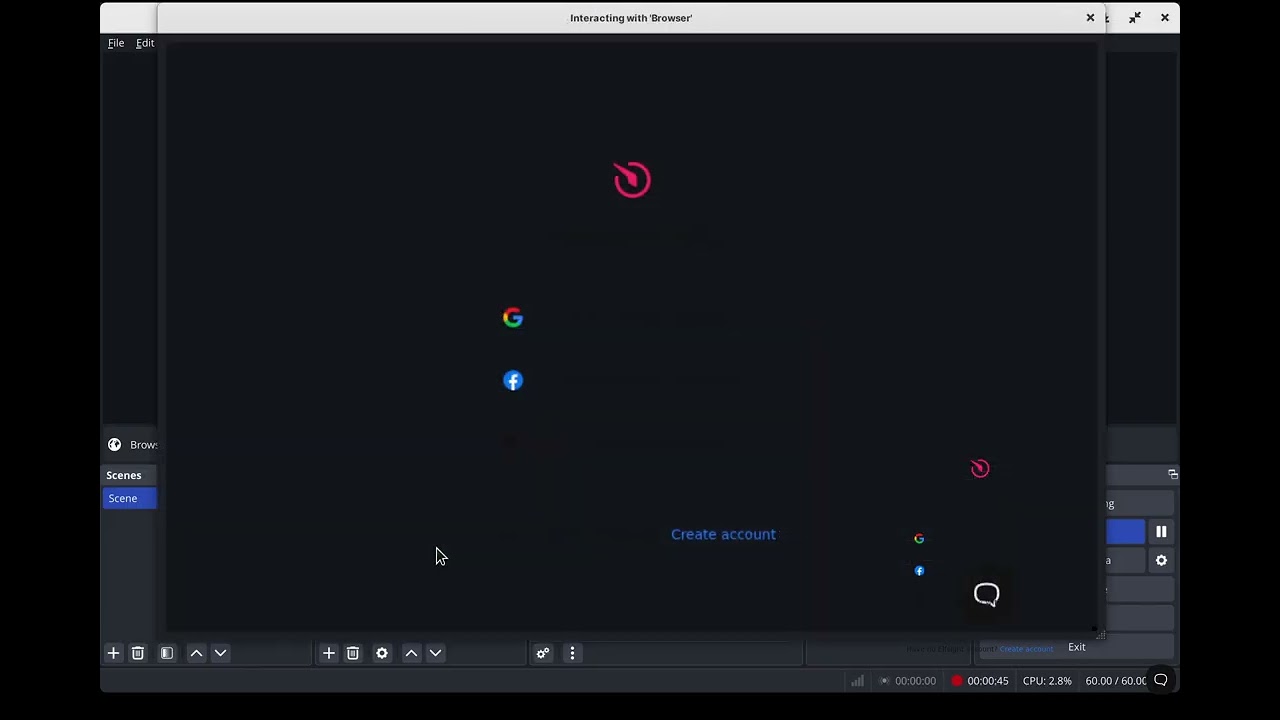
Next, I right-click on the Browser Source in OBS and select Interact from the context menu. This lets me actually interact with the dashboard login page and sign in.
-
After that, I return to Chrome to copy the test account email, then go back to the Interact window in OBS, enter the credentials, and log in.
-
Once I’m logged in, I close the Interact window, switch back to Chrome, and copy the share link of the widget.
-
Then, I return to OBS, open the Browser Source settings again, and replace the dashboard link with the widget’s share link.
After this, the widget in this Browser source should stop counting views as new ones, because it recognizes that it’s being viewed by its owner. I demonstrate this in the screencast - when I open the Interact window again and hover over the widget, you can see the owner panel appear, confirming that it identified the logged-in owner.
The most important part of this entire process is logging in within the Browser Source inside OBS and then replacing the link with the widget’s share link - this ensures OBS’s Browser Source is using the same authenticated session.
I hope this explanation helps!
Hi Alex, I can’t thank you enough for all the kindness and goodwill from the entire team.
Look, I understand everything. The thing is, when I click “interact,” nothing happens. The login screen doesn’t appear. If it’s not too much trouble,
I’m sharing my Any Desk so you can verify what I’m saying and also so I don’t look like a fool.
Ah, I see - it turns out I was the one who misunderstood the issue you’re actually facing. I connected to your PC via AnyDesk and checked your OBS setup. I noticed that you have one Browser Source hidden, tried to interact with it and saw that the Interact window opens, but nothing loads in it - so I guess this is what you were referring to, am I correct?
If so, I tried hiding the Browser Source in OBS on my machine and was able to reproduce the same issue, so it seems that for the Browser Source to load the page correctly, it needs to be visible. Please try making it visible and interact with it again, then let us know if that helps.
Unfortunately, I suppose you’ll need to display some kind of maintenance screen on your stream or pause it while you log in, so that your viewers don’t see your account credentials.
Good morning, Alex
The problem was exactly what you mentioned. The source needed to be visible, only then would the login function be active.
I followed the steps exactly and everything worked perfectly.
When it comes to OBS, it’s hard to get help.
I can only thank you and Max for your support, and I apologize if I’m being inconvenient in asking for help or if I don’t immediately understand the solutions.
Thank you very much. Have a great day at work.

You’re very welcome - I’m glad the issue’s resolved. Don’t hesitate to reach out anytime. Have a great day!
Good morning, Max

The widget is showing an error. It's not displaying. Is there a problem on your end?
Good morning, Max

The widget is showing an error. It's not displaying. Is there a problem on your end? It loads normally in my account on the website, but not in OBS.