I have added the Elfsight job board to my school website. I can’t figure how how to activate the apply now button .
Here is a link to the page https://www.hobokencs.org/teach-at-hcs
Any help will be appreciated.
Dave
I have added the Elfsight job board to my school website. I can’t figure how how to activate the apply now button .
Here is a link to the page https://www.hobokencs.org/teach-at-hcs
Any help will be appreciated.
Dave
Hi there, @Dave_Carty and welcome aboard 
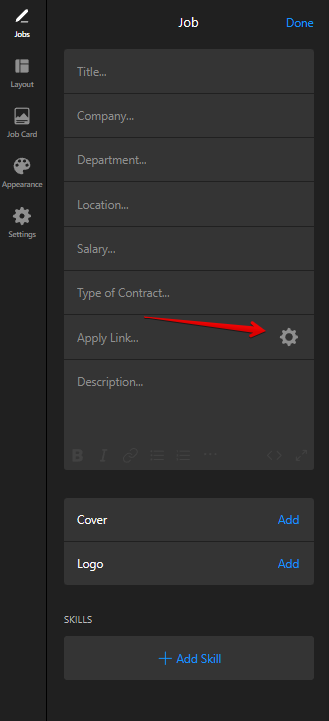
The “Apply Now” button is designed to direct users to the application page, email, or phone number when clicked.
To get it working, simply add the relevant URL, email address, or phone number in the “Apply Link” field.
If you have any questions left, we’re here to help 
Hi Max. I did all that but the “Apply Now “ Button remains dead/unresponsive. Can you check on the website…
Hi there, @Dave_Carty
I’ve checked your website and couldn’t find the widget there. If you’ve removed it, could you please add it back? I’ll be happy to check it with the devs 
HI Max,
It’s at the very bottom of this page. “work with us”
https://www.hobokencs.org/teach-at-hcs
Can you see it there?
Dave
Thank you!
Could you please specify the OS of your device?
windows
Most likely is that Windows is blocking the mailto: link because no default browser or email client is set for the mailto protocol.
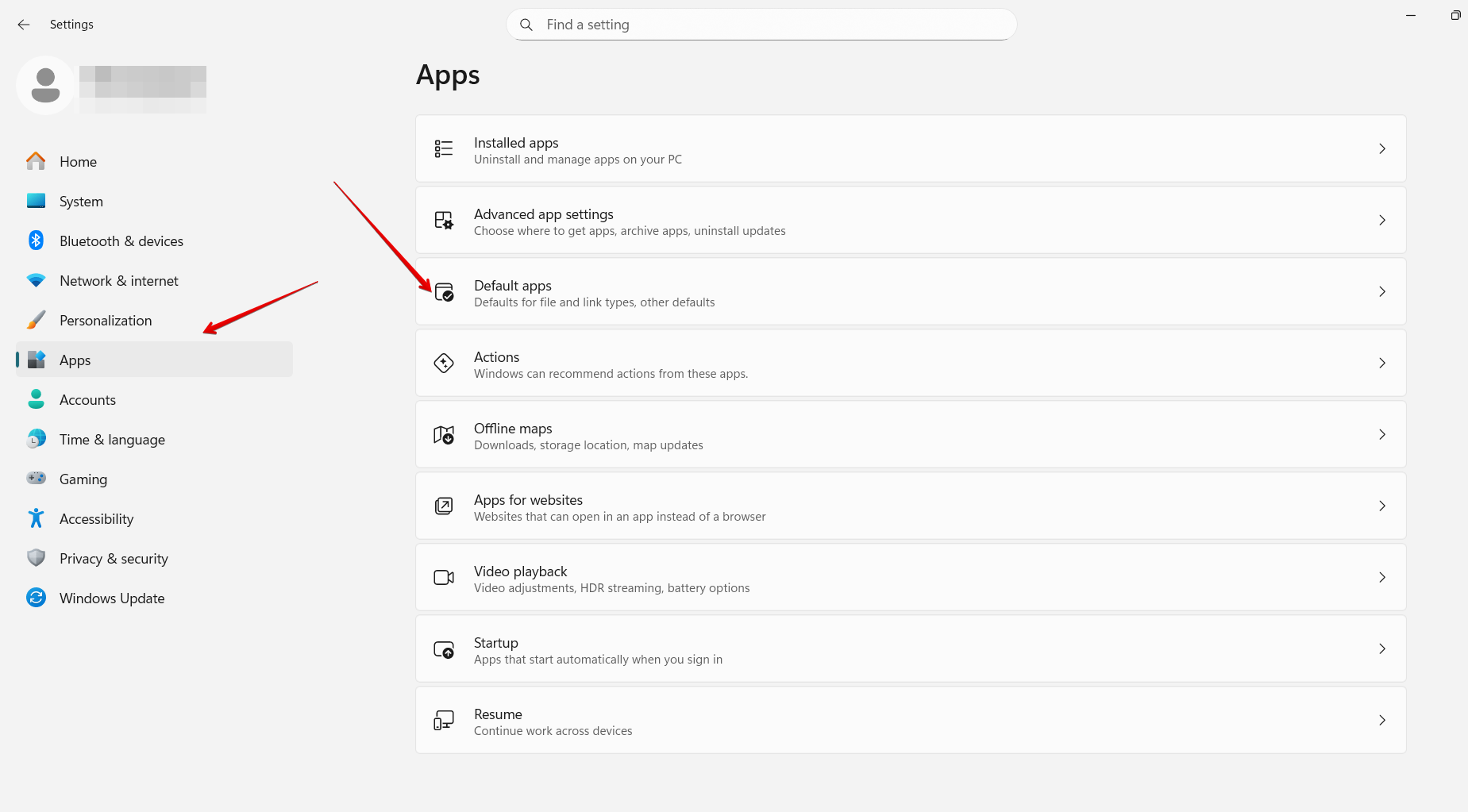
To fix it, please follow these steps:
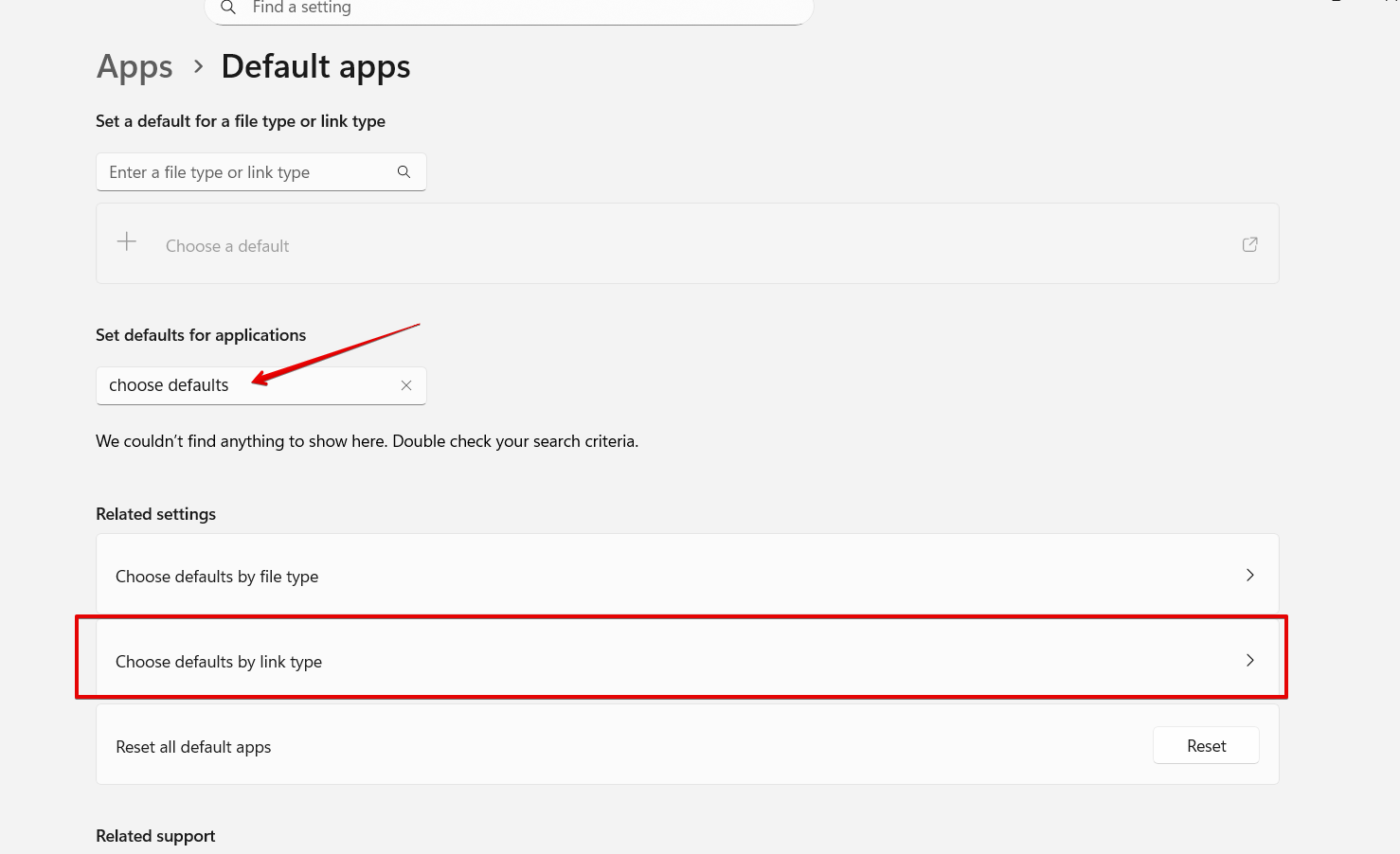
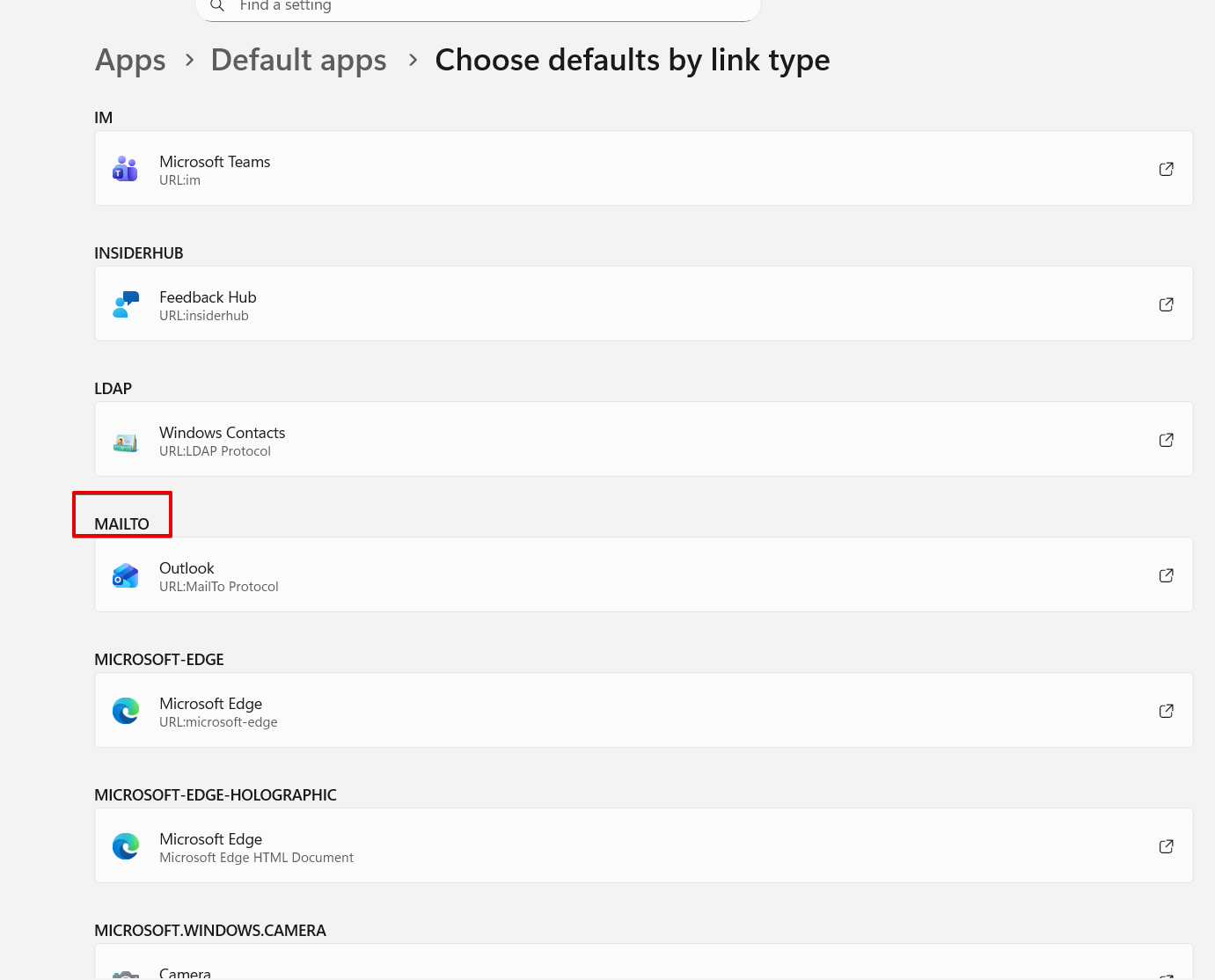
Start → Settings → Apps → Default appsScroll down to the mailto protocol
I guess you have × in this field. If so, click on × or the current value and choose:
Give it a try and let me know if the button worked