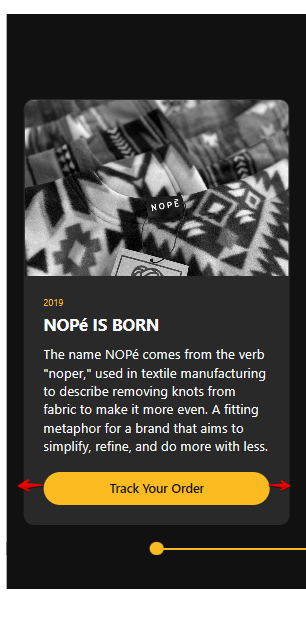
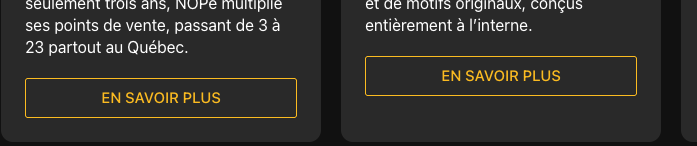
I want to aligne the button on each event. So to stretch at the bottom of the event card.
Is it possible?
I want to aligne the button on each event. So to stretch at the bottom of the event card.
Is it possible?
Hi Max, no in fact the ACTION button, I am not using it. It’s the LEARN MORE button when I put a full description.
Got it!
If you’d like the Learn More button to take the full-width of the event card, please add this code to the Custom CSS field on the Settings tab of your widget’s settings:
.es-event-card-buttons-wrapper {
  margin-left: -24px;
  width: calc(100% + 48px)
}

.es-action-button {
  width: 100%;
}
Check it out and let me know if you like the result 
Yeah it’s not working, the button is full width and not at the bottom of the card.
To place the button at the very bottom of the card, please try to add one more CSS code
.es-event-card-content-wrapper {
  padding-bottom: 0;
}
Ah, I am sorry about that!
Please add one more code to display all buttons at the bottom of the cards
.es-event-card-buttons-wrapper {
  margin-top: auto;
}

.es-event-card-content-wrapper {
  height: 100%;
}