To reduce image width in blog posts, you can do these.
#1. All Images
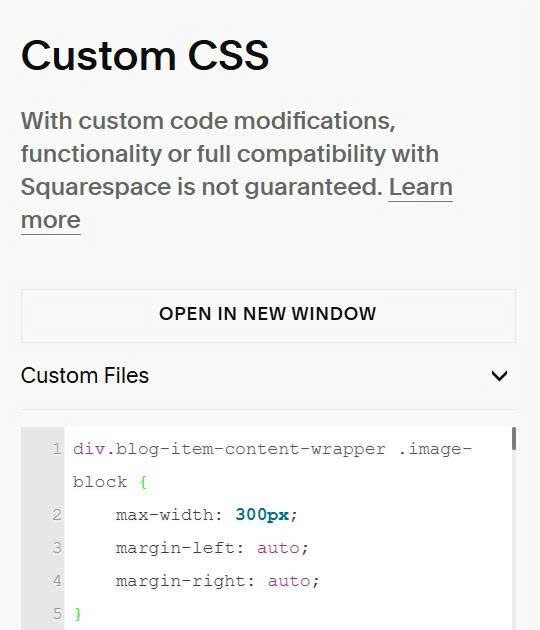
Use this to Custom CSS.
You can also use this free blog tool so you can customize blog easier without using code.
div.blog-item-content-wrapper .image-block {
    max-width: 300px;
    margin-left: auto;
    margin-right: auto;
}
#2. Specific Image
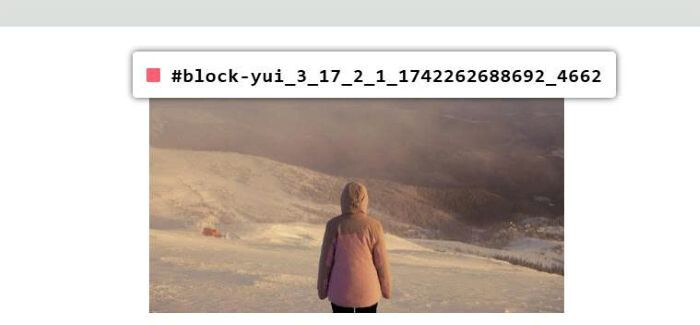
First, find Image ID
Then use CSS code like this.
#block-yui_3_17_2_1_1742262688692_4662 {
    max-width: 300px;
    margin-left: auto;
    margin-right: auto;
}
