Reading through dozens of reviews takes time — that’s where AI Summary comes in handy. It gives visitors a quick overview of the main opinions and helps them understand the overall sentiment faster.
Our Reviews widgets already give you a few ways to adjust the summary:
- choose the Summary style: List or Text
- enable or disable Text Typing and AI Picture animation
- change the AI Summary Label color in the Style tab


But sometimes you need a little more control. If you want to highlight the AI Summary or adapt it to your website design, here are a few CSS tweaks to try 
Hide the AI Summary icon
By default, the AI Summary includes an avatar icon. If you prefer a cleaner look or want to remove this element, use:
.es-ai-summary-avatar-icon {
  display: none;
}
Before:
After:

Change the AI Summary text style
Want to make the summary more noticeable? You can customize the text color, font, and size:
.es-ai-summary-list-item-text {
  color: blue;
  font-family: Roboto;
  font-size: 25px;
}

Feel free to adjust the values in the code to your liking 
Customize the AI Summary caption
The summary label can also be styled separately:
.es-review-info-caption {
  color: blue;
  font-family: Roboto;
  font-size: 25px;
}

This allows you to adjust the small text element near the summary and make it match your website style.
Hide the AI Summary caption
If you prefer to keep summary without a caption, this code will do the trick:
.es-review-info-caption {
  display: none;
}
Before:

After:

[!note]
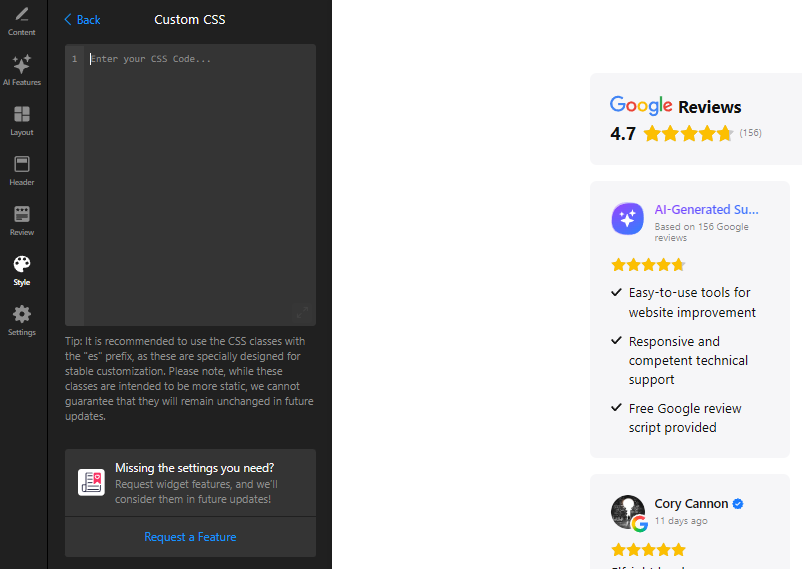
All shared codes should be added to the Custom CSS field on the Style tab of your widget’s settings
With a few small CSS changes, you can make the AI Summary better match your brand style and draw more attention to the insights that matter most to your visitors.
You can find more custom solutions for Reviews in the CSS Codes category.
Haven’t found a needed solution? Let us know in the comments — we’ll be happy to help
