To set Full on Desktop

and Half layout on Mobile.
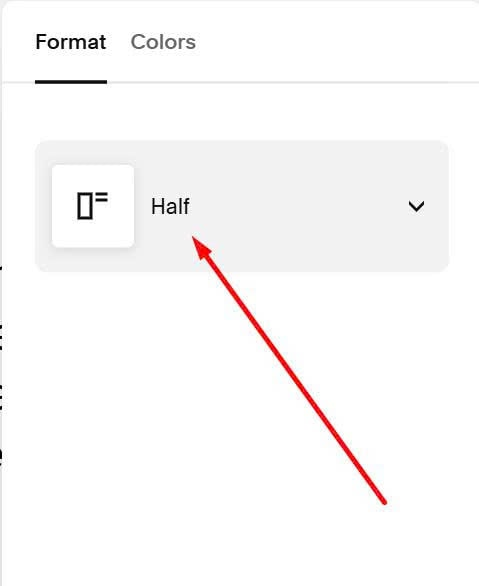
#1. First, edit Product > Choose Full layout
#2. Next, click on Gear icon on Store Page

#3. Click Advanced > Page Header Code Injection

#4. Next, use this code to right box
<script>
function changeLayoutOnMobile() {
  if (window.innerWidth <= 768) {
    const productElement = document.querySelector('[data-product-detail-layout="full"]');
    if (productElement) {
      productElement.setAttribute('data-product-detail-layout', 'half');
    }
  }
}

document.addEventListener('DOMContentLoaded', changeLayoutOnMobile);
window.addEventListener('resize', changeLayoutOnMobile);
</script>
