To keep images in Shop Page original aspect ratio, you can use this code to Custom CSS.
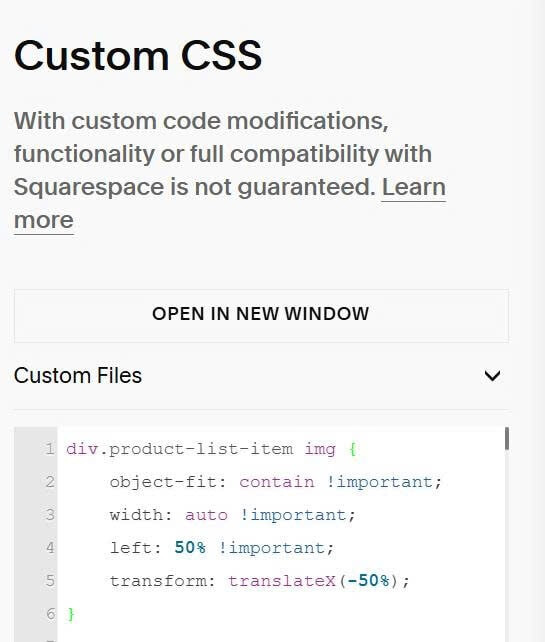
div.product-list-item img {
    object-fit: contain !important;
    width: auto !important;
    left: 50% !important;
    transform: translateX(-50%);
}
If you want to apply this on specific shop page, you can find Shop Page ID

Then use CSS code like this.
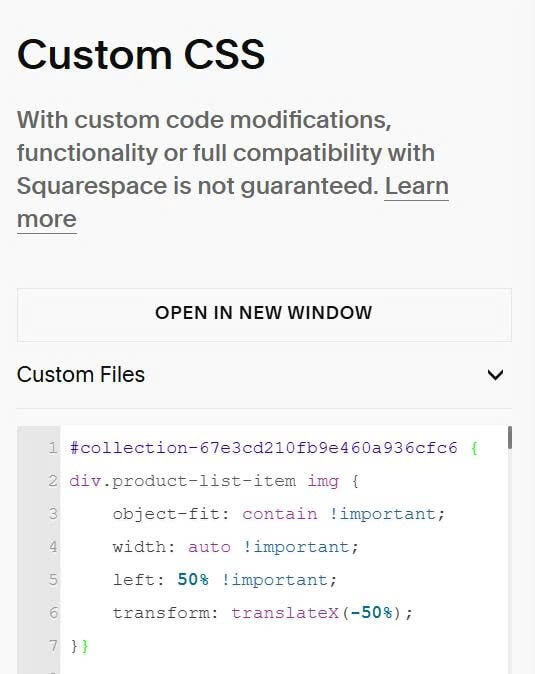
#collection-67e3cd210fb9e460a936cfc6 {
div.product-list-item img {
    object-fit: contain !important;
    width: auto !important;
    left: 50% !important;
    transform: translateX(-50%);
}}