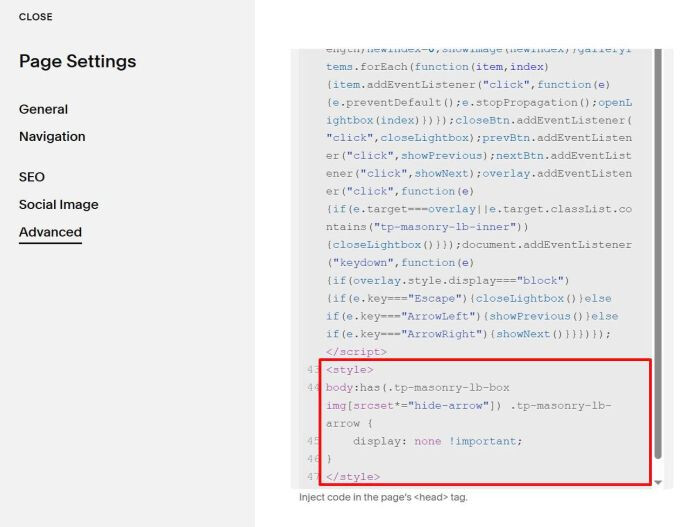
To hide arrows in last image in Gallery Masonry Lightbox so users can’t click back to first image, like this.

#1. First use this free plugin to turn default gallery lightbox with new gallery lightbox (it has same features but more extend features)
#2. Next, download last image to your PC

#3. Add text hide-arrow to image file name, something like this.

#4. Next, upload it again to your Gallery

#5. Add this extra code under plugin #1 code.
<style>
body:has(.tp-masonry-lb-box img[srcset*="hide-arrow"]) .tp-masonry-lb-arrow {
    display: none !important;
}
</style>