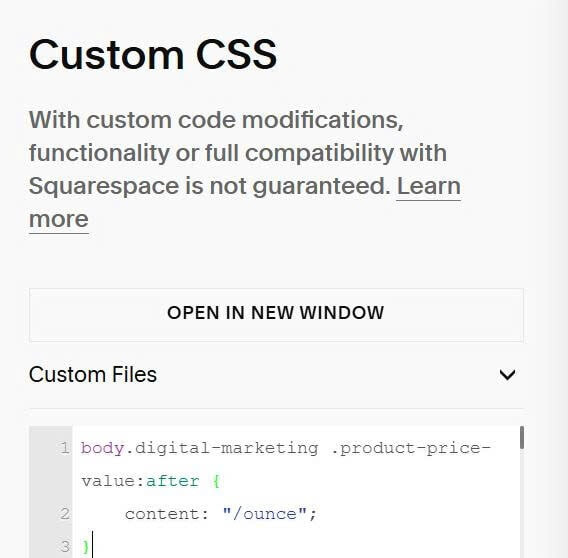
To add custom text after price depending on the category the item is in, you can do these. (this apply on Product Detail Page only)

#1. Use this code to Code Injection > Footer
<script src="https://ajax.googleapis.com/ajax/libs/jquery/3.7.1/jquery.min.js"></script>
<script>
jQuery(document).ready(function() {
  var pathname = window.location.pathname;
  jQuery.ajax({
    url: pathname + "?format=json-pretty",
    dataType: "json",
    success: function (data) {
      if (data.item && data.item.categoryIds && data.nestedCategories && data.nestedCategories.categories) {
        jQuery.each(data.item.categoryIds, function(index, categoryId) {
          var category = data.nestedCategories.categories.find(function(cat) {
            return cat.id === categoryId;
          });
          if (category && category.shortSlug) {
            jQuery('body').addClass(category.shortSlug);
          }
        });
      }

      if (data.nestedCategories && data.nestedCategories.itemCategories) {
        jQuery.each(data.nestedCategories.itemCategories, function(index, category) {
          if (category.shortSlug) {
            jQuery('body').addClass(category.shortSlug);
          }
        });
      }
    },
    error: function() {
      console.log('Error JSON');
    }
  });
});
</script>
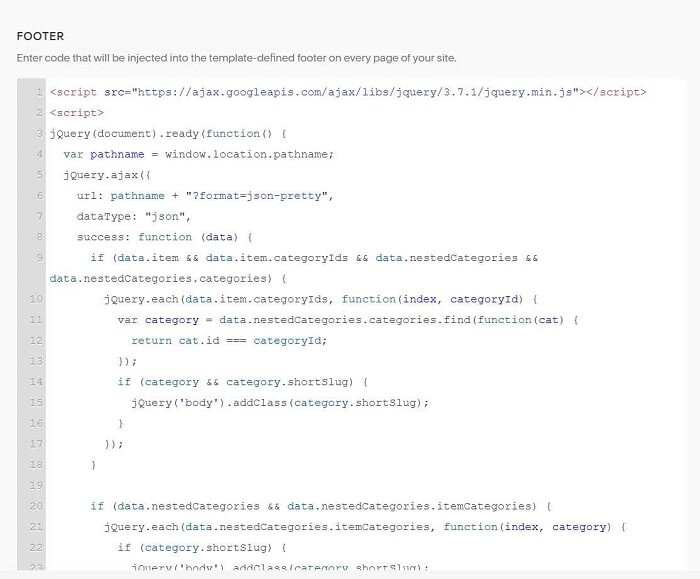
If products belong category: Digital Marketing, code will add an ID: digital-marketing to body If products belong category: MSRT, code will add an ID: msrt to body
#2. So you can use this code to Custom CSS to add text.
body.digital-marketing .product-price-value:after {
    content: "/ounce";
}