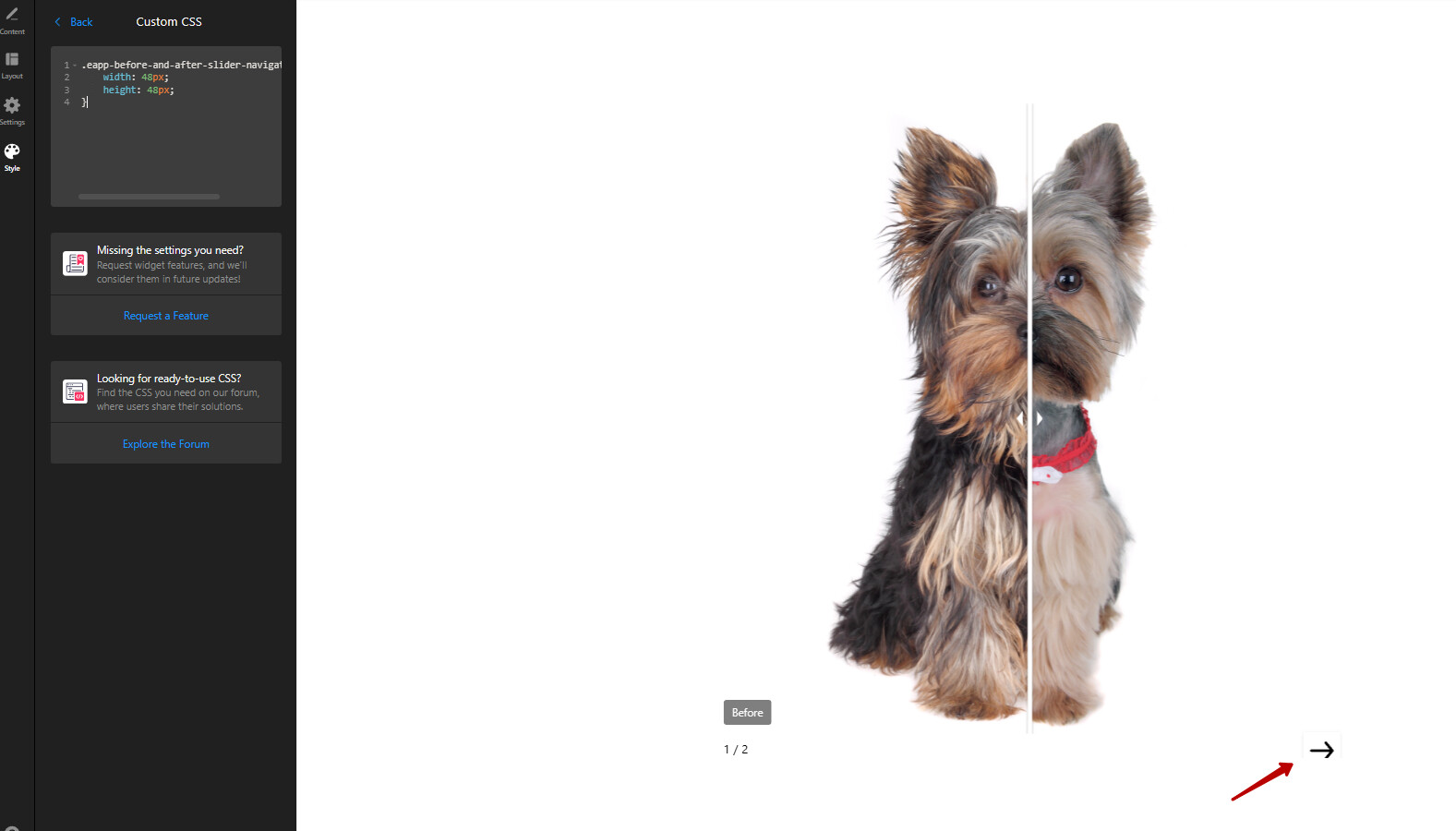
Add this code to the Custom CSS field on the Style tab of your Before and After Slider widget’s settings:
.eapp-before-and-after-slider-navigation-arrow svg {
    width: 48px;
    height: 48px;
}
Add this code to the Custom CSS field on the Style tab of your Before and After Slider widget’s settings:
.eapp-before-and-after-slider-navigation-arrow svg {
width: 48px;
height: 48px;
}
Im installing the css in the style tab but its not working.